
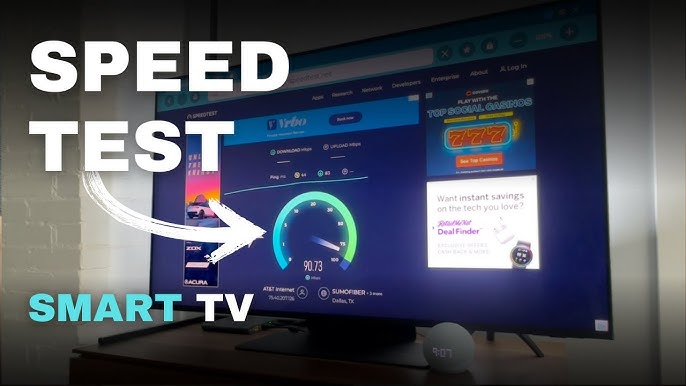
Samsung TVs include a built-in diagnostic tool that tests your internet connection directly from the TV itself, without needing a computer or smartphone. Running this test is one of the fastest ways to confirm whether an error is caused by your network or by something else entirely.
Why This Test Matters
Many Samsung TV errors — buffering, "Connection Lost" messages, and app loading failures — look like software bugs but are actually connectivity problems. The built-in Network Test checks your TV's connection to your router, the internet, and Samsung's own servers, pinpointing exactly where the breakdown is occurring.
What the Test Checks
- Gateway connection — whether the TV can reach your router
- Internet connectivity — whether your router has a working internet connection
- DNS server response — whether domain names are resolving correctly
- Samsung server access — whether the TV can reach Samsung's update and account servers
Step-by-Step Instructions
1. Open Self Diagnosis
Navigate to Settings > Support > Self Diagnosis.
2. Select Network Test
Choose Network Test (sometimes labeled Smart Hub Connection Test depending on your model).
3. Let the Test Run
The TV will automatically check each stage of the connection — gateway, internet, and server access — displaying a pass or fail result for each.
4. Review the Results
- If the gateway test fails, the issue is between your TV and your router (check Wi-Fi settings or move closer to the router)
- If the internet test fails but the gateway passes, the problem lies with your router or ISP
- If server access fails but internet passes, Samsung's servers may be temporarily down, or your DNS settings need adjustment
5. Take Action Based on the Failure Point
Use the results to target your next troubleshooting step rather than guessing — for example, a gateway failure means you should focus on Wi-Fi settings, not firmware.
Additional Tips
- Run this test any time you experience a connectivity-related error, before trying other fixes
- Save a screenshot or note of the results if you need to contact Samsung support later
- Re-run the test after each troubleshooting step to confirm whether it resolved the issue
When to Move On
If the network test consistently fails at the gateway or internet stage despite a confirmed working connection on other devices, the issue may involve HDMI or hardware-level conflicts, or it may be time to consider a factory reset.